Qwen Image Edit Plus
Free Playground & API · $5 to Start
256–1024px resolution. 1–50 inference steps. Default: 768×768, 40 steps. Natural language image editing with AI-powered transformations.
Sample Outputs
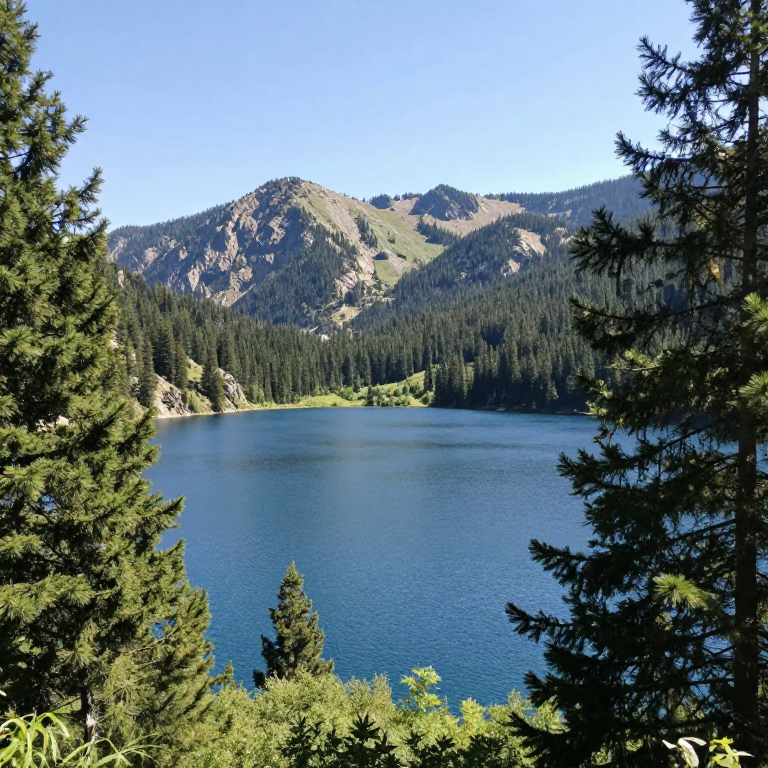
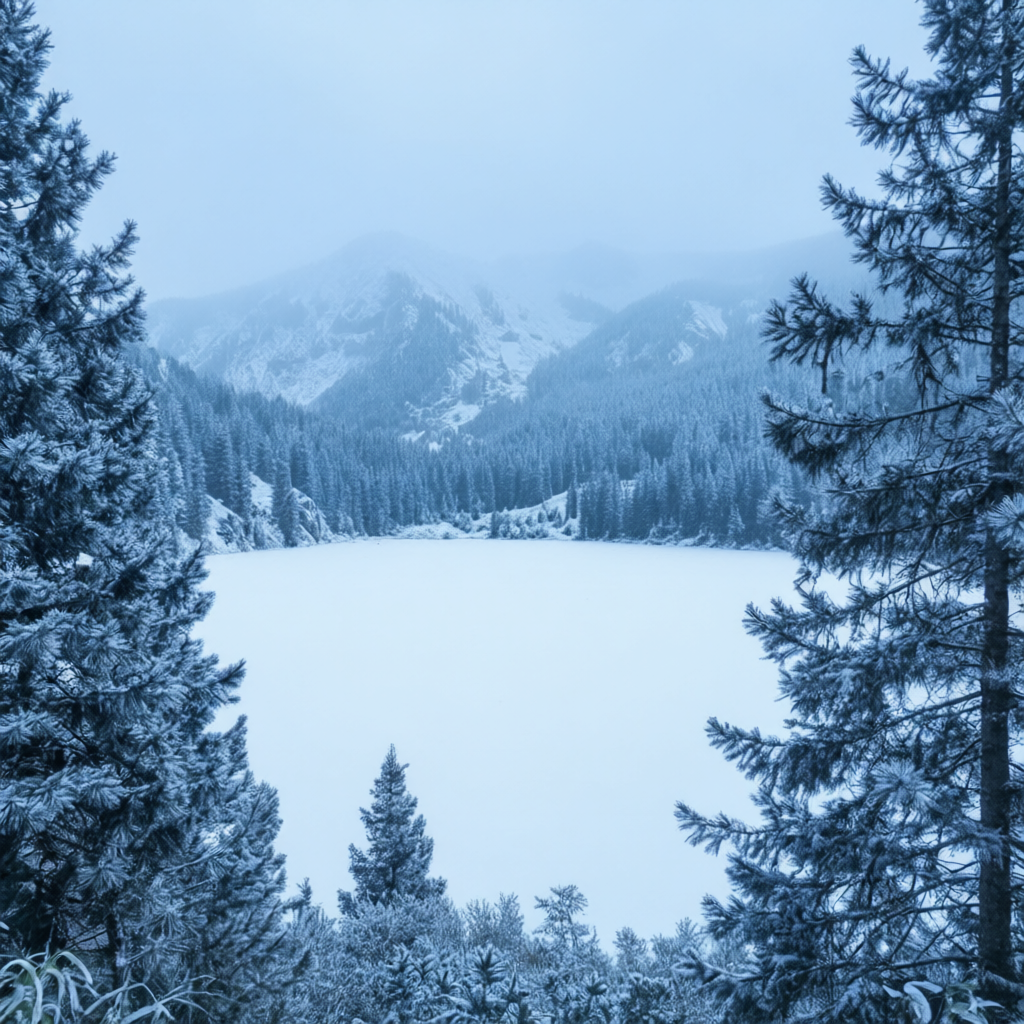
Real outputs generated with Qwen Image Edit Plus on deAPI.
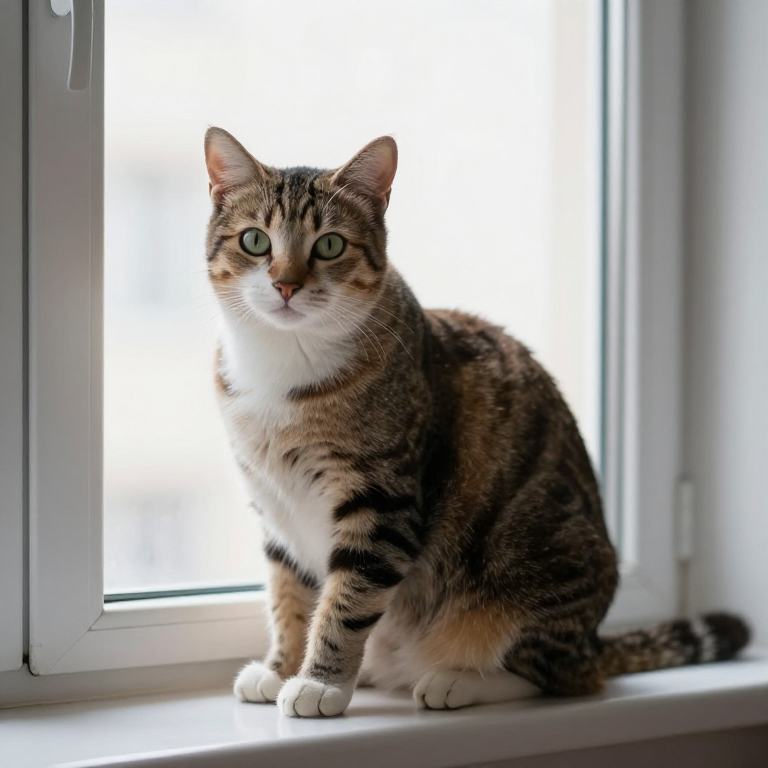
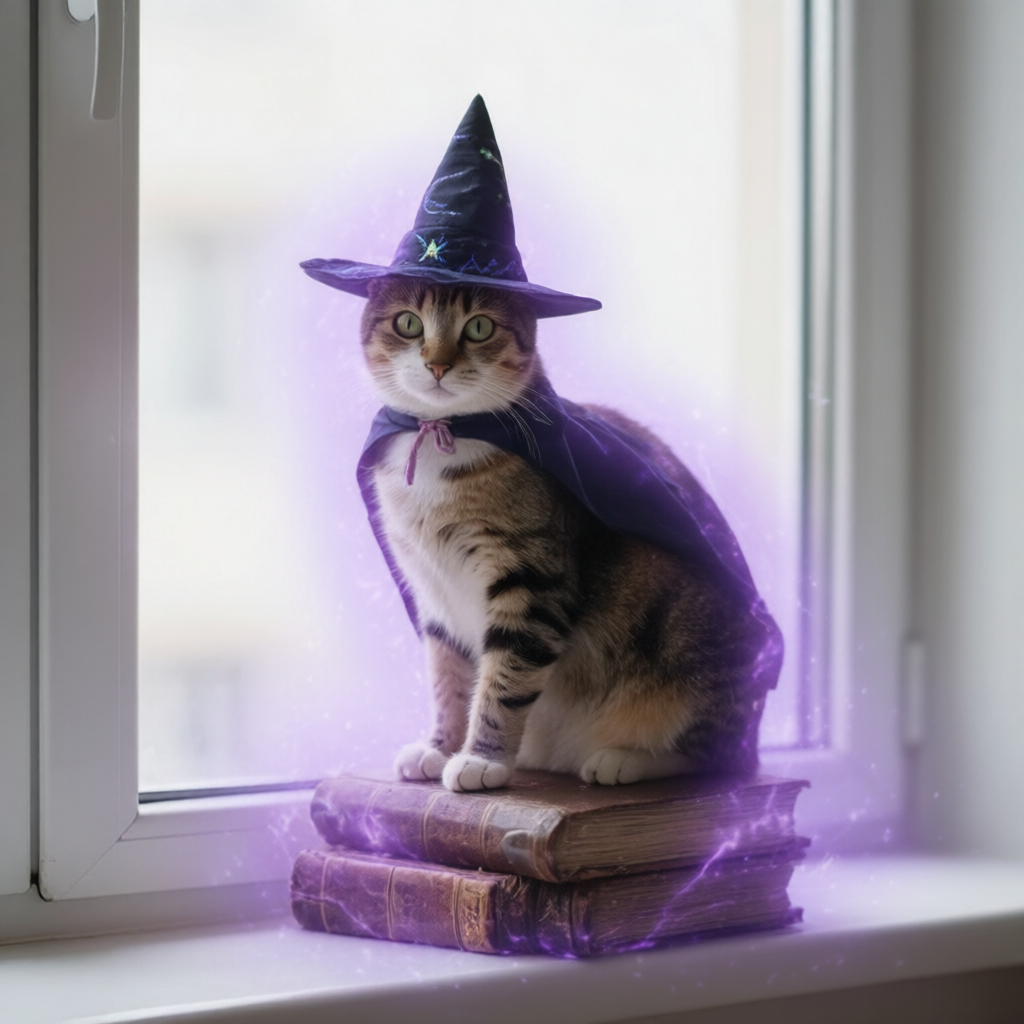


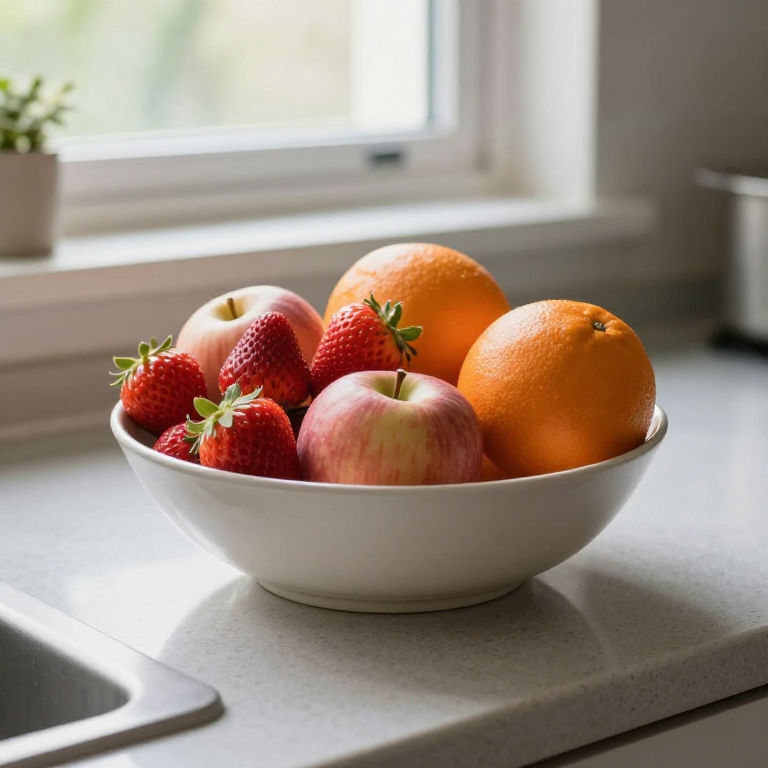
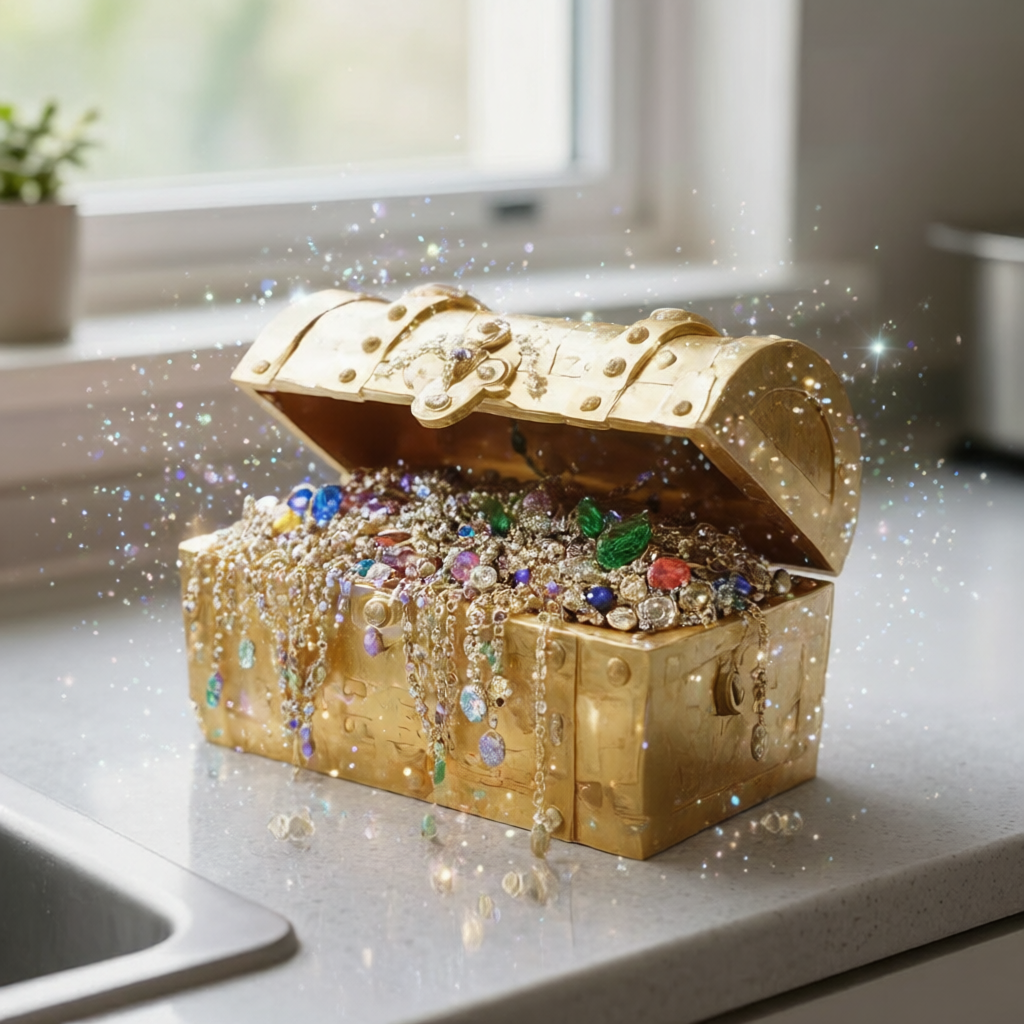
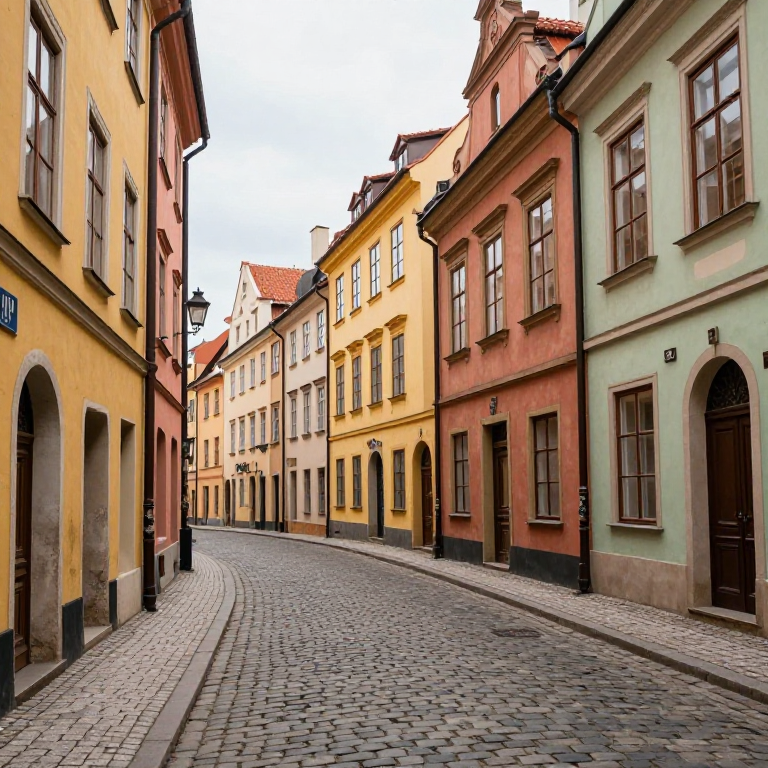
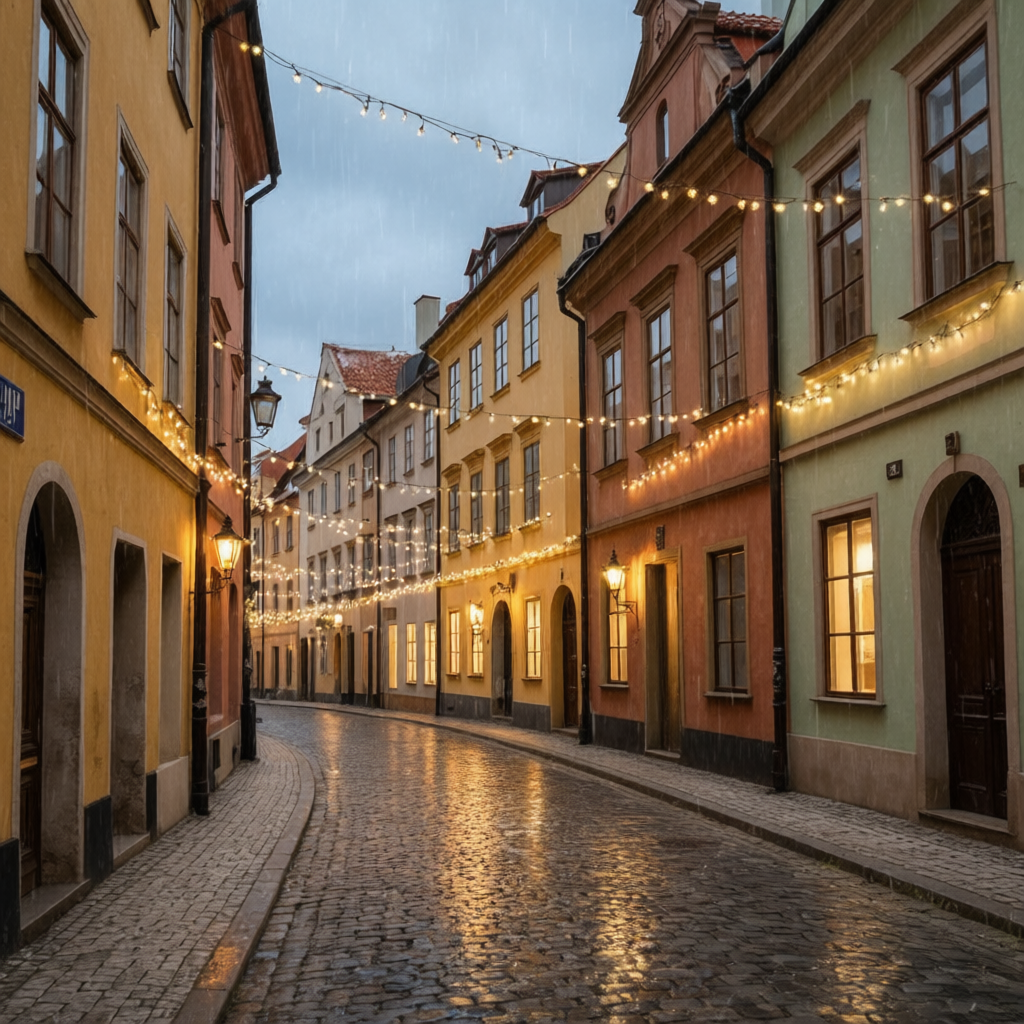

"Transform this cat into a magical wizard cat wearing a tiny pointed hat and cape, sitting on ancient spell books, mystical purple glow"
"Change the season to winter, cover everything in fresh snow, frozen lake, snow-covered pine trees, overcast sky, cold blue tones"
"Turn this person into a cyberpunk character with neon face paint, LED implants, futuristic visor glasses, dark neon-lit background"
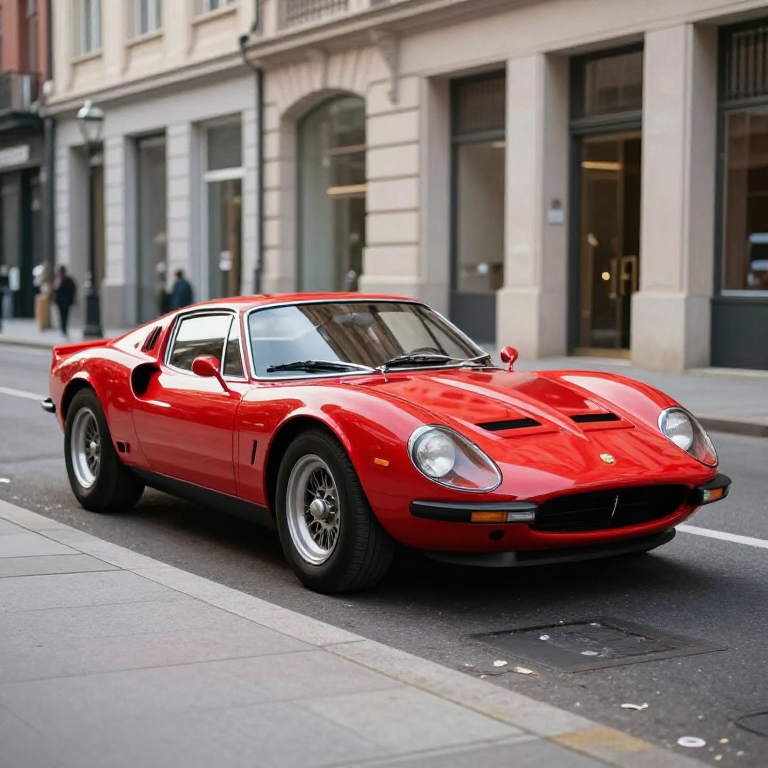
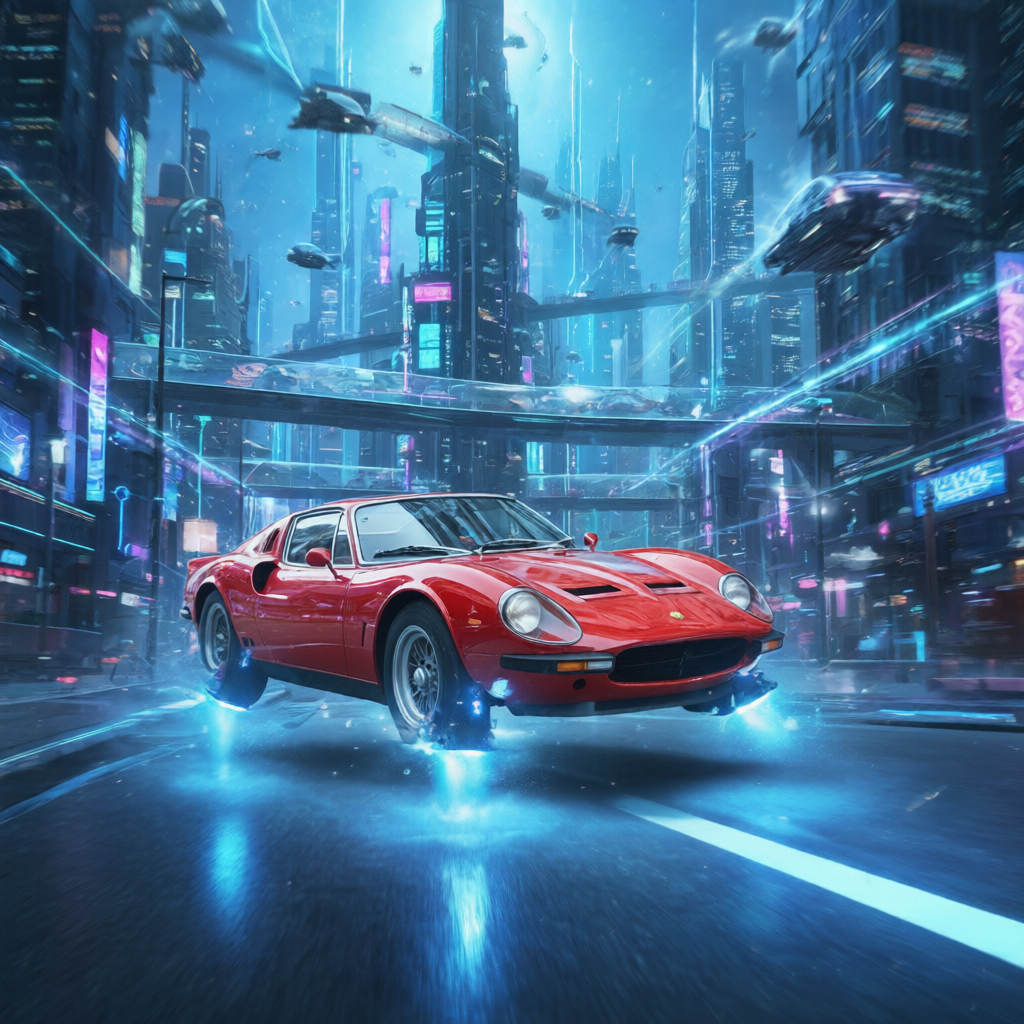
"Make the car hover above the ground with glowing blue anti-gravity thrusters, futuristic cityscape background with flying vehicles, sci-fi retrofuturism"
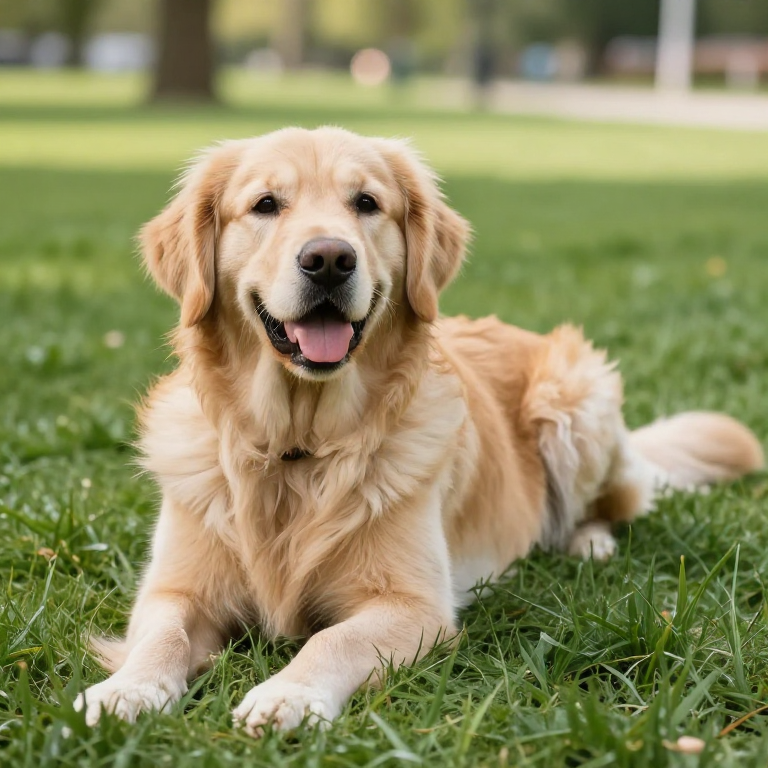
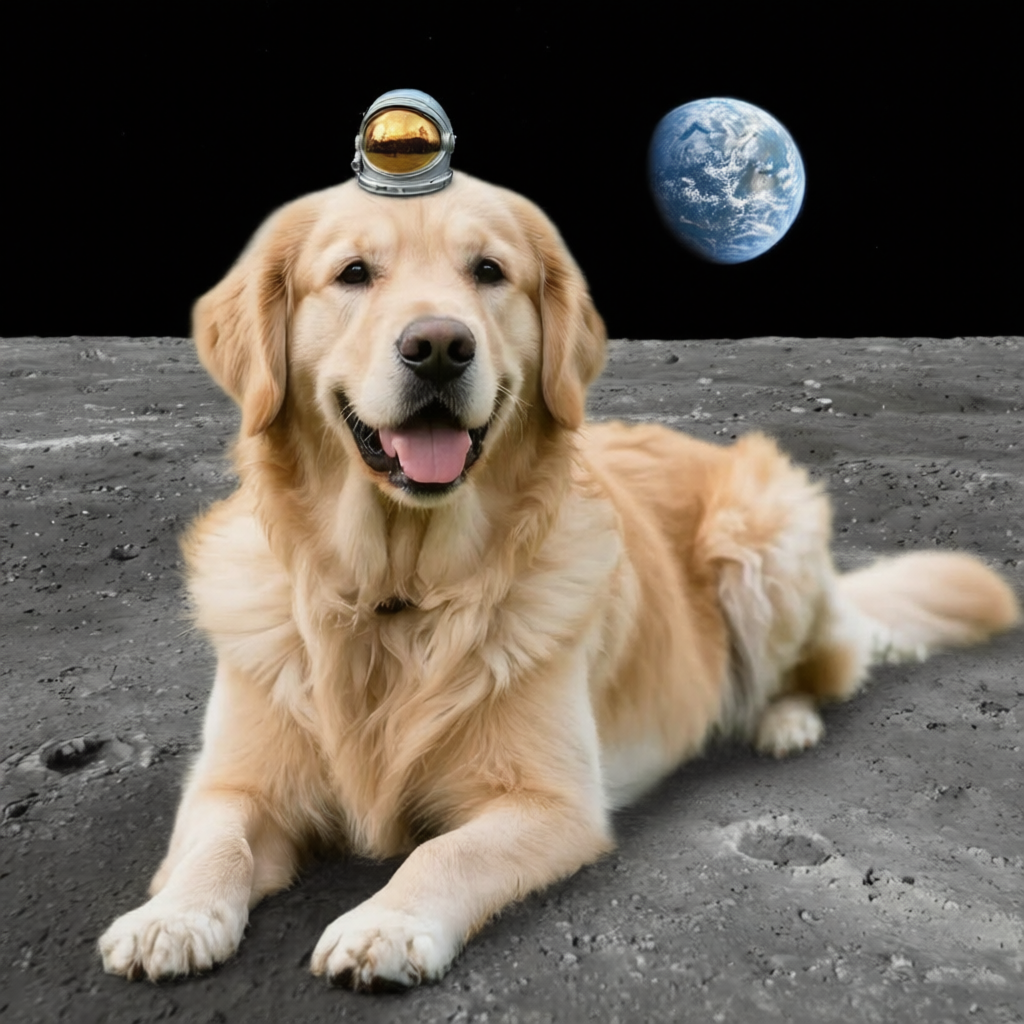
"Put a tiny astronaut helmet on the dog and change the grass to the surface of the moon with craters and Earth visible in the sky"
"Transform the fruit into precious gemstones and jewels, the bowl into a golden treasure chest, add sparkles and magical glow"
"Make it nighttime with the street illuminated by warm string lights and lanterns, add light rain with reflections on wet cobblestones, cozy evening atmosphere"
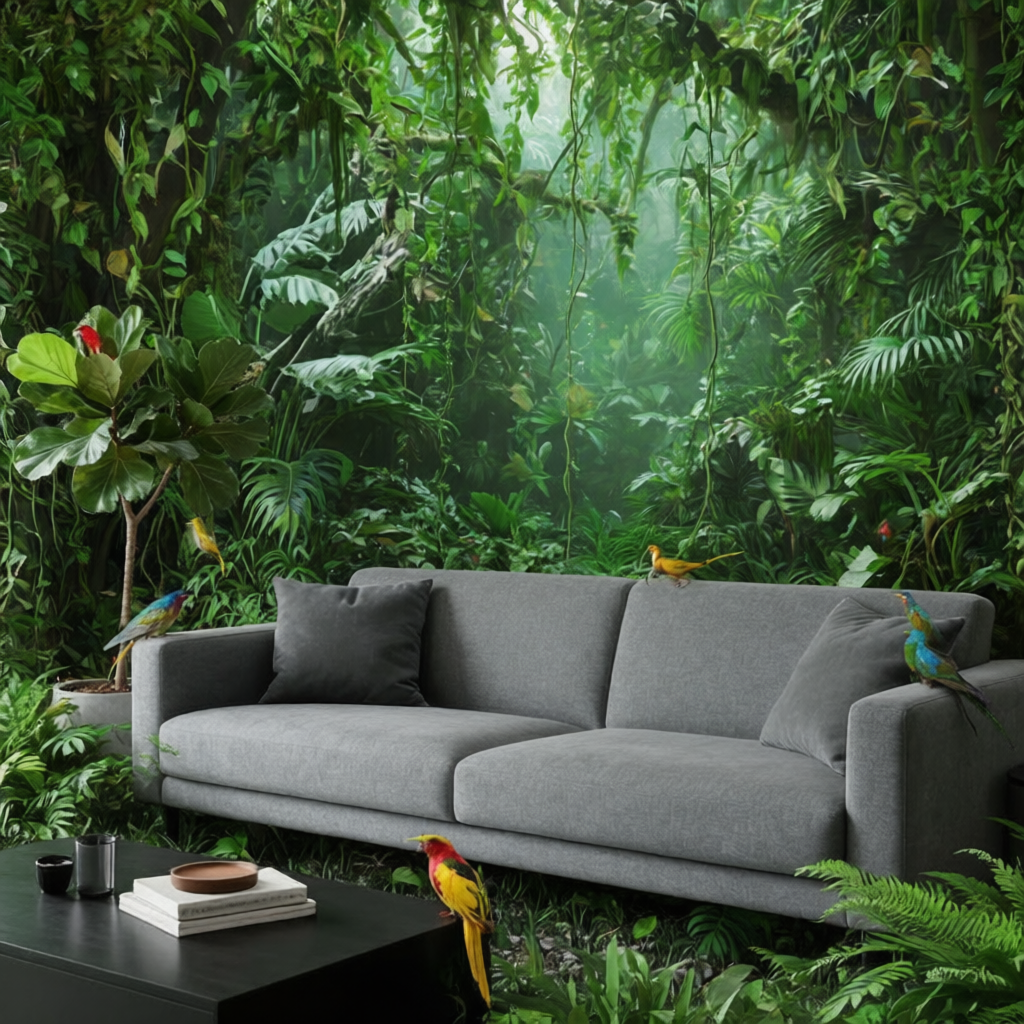
"Fill the room with lush tropical jungle plants growing everywhere, vines hanging from ceiling, exotic birds perching on furniture, indoor jungle paradise"
Capabilities
Model ID: QwenImageEdit_Plus_NF4
What you can do with Qwen Image Edit Plus.
Image-to-Image
Transform and enhance existing images with AI. Perfect for style transfer, editing, and creative modifications.
Try itTechnical Specifications
Resolution
256–1024 x 256–1024 px
Default Size
768 x 768 px
Inference Steps
1–50 steps (default: 40)
Guidance
Not required
Negative Prompt
Supported
Input Images
Up to 1
How to Use in deAPI
Integrate Qwen Image Edit Plus into your app with a single API call.
https://api.deapi.ai/api/v1/client/img2img
curl -X 'POST' \
  'https://api.deapi.ai/api/v1/client/img2img' \
  -H 'accept: application/json' \
  -H 'Content-Type: application/json' \
  -H 'Authorization: Bearer YOUR_API_KEY' \
  -d '{
    "model": "QwenImageEdit_Plus_NF4",
    "prompt": "transform into watercolor painting style",
    "image": "BASE64_OR_URL",
    "steps": 20,
    "seed": -1
}'
{
    "model": "QwenImageEdit_Plus_NF4",
    "prompt": "transform into watercolor painting style",
    "image": "BASE64_OR_URL",
    "steps": 20,
    "seed": -1
}
Tip: The API returns a request_id.
Use webhooks (recommended) or poll
GET /request-status/{'{'}request_id{'}'} for results.
Need an API key?
Sign up for free and get $5 in credits to start.
Sign Up & Get $5 Free
No credit card required
Open Playground or API
Try the visual playground
Generate & Ship
Use in your app, product, or workflow
Frequently Asked Questions
Try Qwen Image Edit Plus for Free
Get $5 in free credits and start generating with Qwen Image Edit Plus.
Get $5 credits