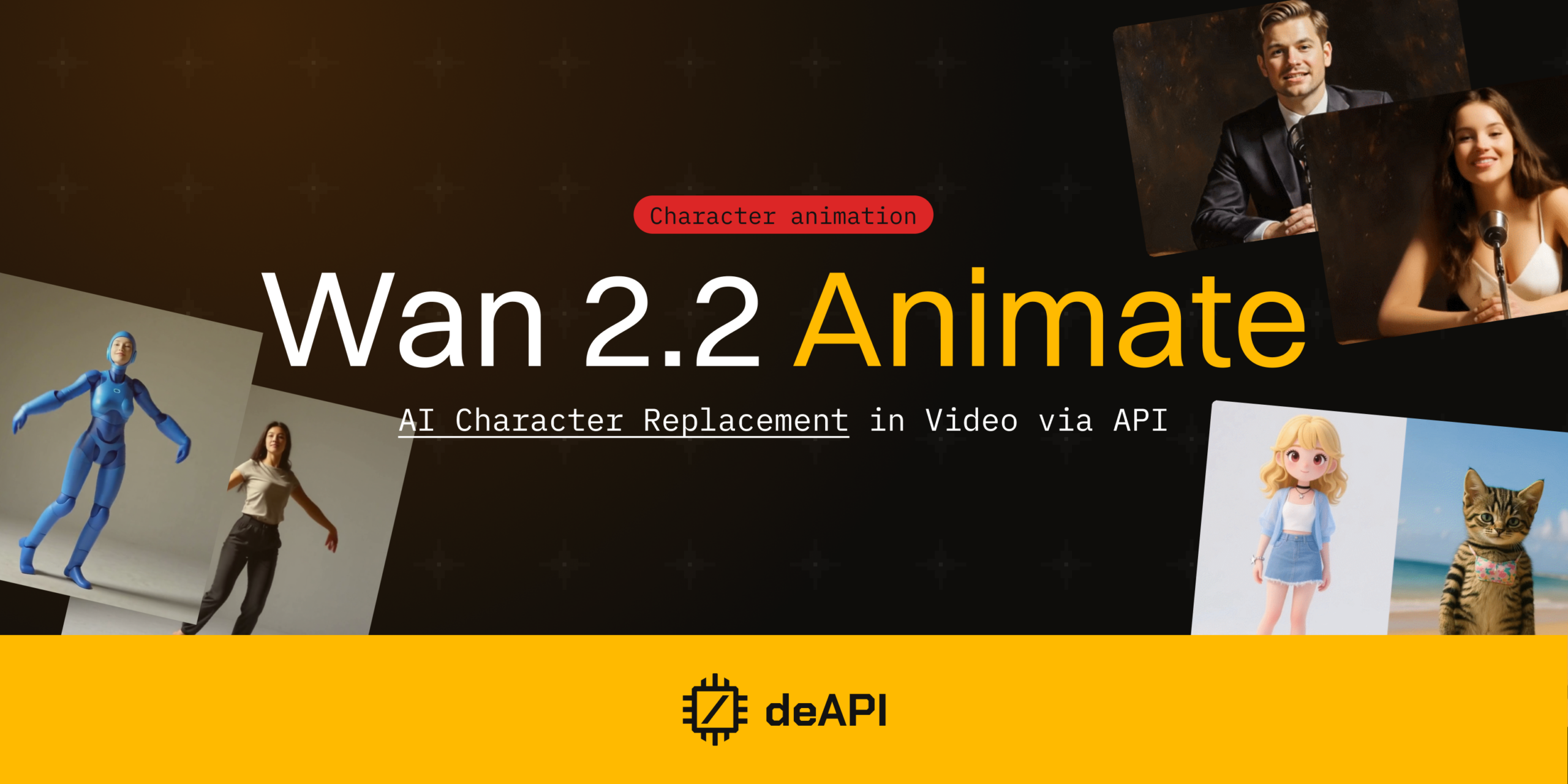
Wan 2.2 Animate: AI Character Replacement in Video via API
Replace a person in any video with a character from a single image – body movement, facial expressions, and scene lighting included.
The problem with character animation
You designed a brand mascot. Now you want it to dance in a product video. Until recently, that meant stitching together skeleton extraction, face detection, motion transfer, and a separate rendering model – each one a potential failure point, all of them expensive to run on cloud GPUs.
Wan 2.2 Animate replaces that entire pipeline with a single model. deAPI exposes it as one endpoint.
What is Wan 2.2 Animate?
Wan 2.2 Animate is a 14-billion parameter open-source model from Wan-AI (Alibaba Group). You feed it a video of a person performing an action plus a reference image of your target character. It generates a new video where the character replicates the performer’s movements and expressions.
Three technical decisions make this work.
Spatially-aligned skeleton signals drive body motion. The model extracts a pose skeleton from the source video and maps it onto the character, preserving posture and gait frame by frame.
Expression transfer works differently. Instead of tracking individual facial landmarks, the model learns compressed representations of the source face and projects them onto the target – even when the two look nothing alike, say a photograph mapped onto an anime character.
The third piece is a Relighting LoRA module that adjusts the character’s shading to match the scene. Without it, replaced characters look composited. With it, shadows and color temperature follow the original environment.
Together, these components run in a single forward pass. One inference call produces the final video.
What you can build with it
Animated brand content without a film crew. Record a 5-second clip of someone waving or pointing at a product. Feed it through the API with your mascot as the reference image, and the character performs that exact action – ready for social media or product pages. Studios that previously booked motion capture sessions can now prototype from a phone video and a PNG.
Virtual try-on for e-commerce. Film one model walking in a neutral outfit, then swap in different virtual avatars for each product line. The motion stays identical across variants while the character changes, which keeps the presentation consistent without reshooting.
How to use it on deAPI
Wan 2.2 Animate runs on deAPI as the Wan2_2_Animate_14B_INT8 model, exposed through the Video Replacement endpoint.
Limits
| Parameter | Value |
|---|---|
| Max video duration | 8 seconds |
| Max resolution | 852 x 852 px |
| Min resolution | 256 x 256 px |
| Default resolution | 768 x 768 px |
Required parameters
video– input video file (MP4, MPEG, QuickTime, AVI, WMV, OGG)ref_image– your target character image (JPG, PNG, WebP, up to 10 MB)model– set toWan2_2_Animate_14B_INT8
Optional parameters
prompt– text guidance for the replacementwidth/height– output dimensions (must be set together)steps– inference steps (default: 4)seed– random seed for reproducibility (-1 for random)
Step 1: Submit the job
import requests

API_KEY = "your-deapi-key"
BASE = "<https://api.deapi.ai>"

response = requests.post(
    f"{BASE}/api/v2/videos/replacements",
    headers={
        "Authorization": f"Bearer {API_KEY}",
        "Accept": "application/json",
    },
    files={
        "video": ("input.mp4", open("dancing.mp4", "rb"), "video/mp4"),
        "ref_image": ("character.png", open("mascot.png", "rb"), "image/png"),
    },
    data={
        "model": "Wan2_2_Animate_14B_INT8",
        "width": 768,
        "height": 768,
    },
)

request_id = response.json()["data"]["request_id"]
print(f"Job submitted: {request_id}")
Step 2: Poll for results
deAPI processes video asynchronously. Poll the job status endpoint until the result is ready.
import time

while True:
    status = requests.get(
        f"{BASE}/api/v2/jobs/{request_id}",
        headers={
            "Authorization": f"Bearer {API_KEY}",
            "Accept": "application/json",
        },
    ).json()

    if status["data"]["status"] == "done":
        video_url = status["data"]["result_url"]
        print(f"Done: {video_url}")
        break
    elif status["data"]["status"] == "error":
        print(f"Error: {status['data']}")
        break

    time.sleep(5)
cURL alternative
# Submit
curl -X POST "<https://api.deapi.ai/api/v2/videos/replacements>" \\
  -H "Authorization: Bearer $DEAPI_API_KEY" \\
  -H "Accept: application/json" \\
  -F "[email protected]" \\
  -F "[email protected]" \\
  -F "model=Wan2_2_Animate_14B_INT8" \\
  -F "width=768" \\
  -F "height=768"

# Poll (replace REQUEST_ID with the returned request_id)
curl "<https://api.deapi.ai/api/v2/jobs/REQUEST_ID>" \\
  -H "Authorization: Bearer $DEAPI_API_KEY" \\
  -H "Accept: application/json"
Check price before generating
curl -X POST "<https://api.deapi.ai/api/v2/videos/replacements/price>" \\
  -H "Authorization: Bearer $DEAPI_API_KEY" \\
  -H "Accept: application/json" \\
  -F "model=Wan2_2_Animate_14B_INT8" \\
  -F "duration=4"
Tips for best results
One person per clip. The model tracks a single character. Clips where the performer is centered and well-lit produce the cleanest replacements.
Full-body reference images outperform headshots significantly. Include the outfit, proportions, and any distinctive features you want the model to carry over.
Shorter is better here. 3-5 seconds of deliberate movement – a wave, a spin, a product demo – gives sharper output than 8 seconds of subtle gestures.
For resolution, 768×768 is the sweet spot between quality and cost. Drop to 512×512 when prototyping, go 852×480 for widescreen delivery.
Pricing
Cost scales with resolution and duration. Reference points from the deAPI pricing calculator:
| Resolution | Duration | Price |
|---|---|---|
| 852 x 480 | 4s | $0.0804 |
| 768 x 768 | 4s | $0.1109 |
| 512 x 512 | 3s | $0.0422 |
New accounts get $5 in free credits – roughly 45 replacements at 768×768, more at lower resolutions. No credit card required.
The /price endpoint returns exact cost for your specific parameters before you spend anything.
Get started
Grab your API key at app.deapi.ai. The Video Replacement docs have the full endpoint reference, and the Playground lets you test without writing code.