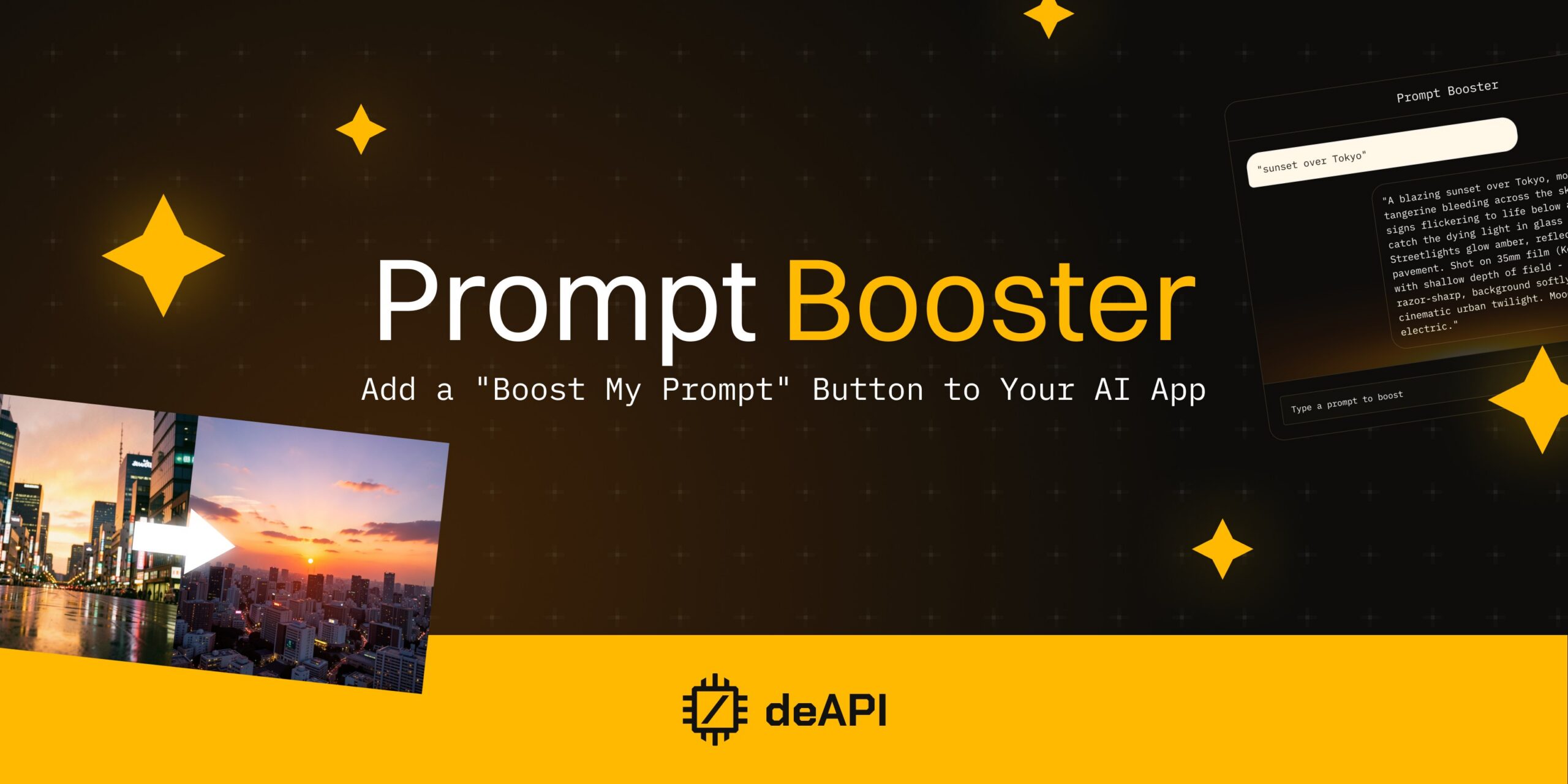
Add a “Boost My Prompt” Button to Your AI App
Your users don’t write prompts for a living. They type “cute dog on a beach” into your image generator and expect a stunning result. When the output looks generic, the blame lands on your product – not on the three-word prompt.
That gap between casual input and what an AI model actually needs is a UX problem. deAPI’s Prompt Booster closes it with a single API call.
What Prompt Booster Does
The endpoint POST /api/v2/prompts/enhancements takes a raw user prompt and returns an enhanced version tailored to a specific model. You send three fields: the user’s prompt, the inference type (like images.generations or videos.generations), and the model_slug of the target model.
The response is synchronous – an optimized prompt and an optional negative_prompt, both ready to pass directly into the generation endpoint.
Behind the scenes, the booster uses an AI-powered guide system that understands how each model interprets input. FLUX.2 Klein responds best to natural language with photography vocabulary. Z-Image Turbo ignores negative prompts entirely at guidance_scale=0. LTX-2.3 wants physical action cues instead of emotional labels. The booster handles these differences, so your users never encounter them.
How to Integrate It
The best UX pattern is an opt-in button next to your prompt input field. Users who want help click “Enhance” before generating. Users who prefer their own wording skip it entirely.
Here’s what that looks like in Python:
import requests

API_KEY = "your_api_key"
BASE = "<https://api.deapi.ai/api/v2>"
HEADERS = {"Authorization": f"Bearer {API_KEY}"}

def boost_prompt(prompt, model_slug, type="images.generations"):
    """Optional prompt enhancement — call only when user opts in."""
    resp = requests.post(
        f"{BASE}/prompts/enhancements",
        headers=HEADERS,
        data={
            "prompt": prompt,
            "type": type,
            "model_slug": model_slug,
        },
    )
    result = resp.json()
    return result["prompt"], result.get("negative_prompt")

def generate_image(prompt, model_slug, negative_prompt=None):
    """Send prompt to image generation endpoint."""
    payload = {"prompt": prompt, "model_slug": model_slug}
    if negative_prompt:
        payload["negative_prompt"] = negative_prompt
    resp = requests.post(
        f"{BASE}/images/generations",
        headers=HEADERS,
        json=payload,
    )
    return resp.json()

# User types a prompt and optionally clicks "Enhance"
user_prompt = "sunset over Tokyo"
enhance = True  # True if user clicked the Enhance button

if enhance:
    prompt, negative_prompt = boost_prompt(user_prompt, "Flux_2_Klein_4B_BF16")
else:
    prompt, negative_prompt = user_prompt, None

result = generate_image(prompt, "Flux_2_Klein_4B_BF16", negative_prompt)
Seven lines of actual logic. Everything else is standard API plumbing your app already has.
Before and After
Here’s what the booster does to a real prompt. A user types:
“sunset over Tokyo”
The booster returns:
“A blazing sunset over Tokyo, molten gold and tangerine bleeding across the skyline, neon signs flickering to life below as skyscrapers catch the dying light in glass facades. Streetlights glow amber, reflecting off wet pavement. Shot on 35mm film (Kodak Portra 400) with shallow depth of field – foreground razor-sharp, background softly blurred. Style: cinematic urban twilight. Mood: serene yet electric.”
Three words became a full scene description with camera settings, color grading, and composition. The user didn’t need to know any of that.
The difference in output is immediate:

Raw prompt: “sunset over Tokyo” – a clean aerial panorama with warm tones, but generic composition.

Boosted prompt – same three words as input, but the model received film stock references, depth of field instructions, and wet pavement reflections. The result: a street-level cinematic shot with visible Japanese signage, bokeh, and rain-slicked neon.
The raw prompt produced a postcard. The boosted prompt produced a scene from a Ridley Scott film. Your user typed the same thing both times.
Works Across Every Modality
The Prompt Booster isn’t limited to images. One endpoint handles 14 inference types, from image generation through video, TTS, and music.
Building a video tool? Set type to videos.generations and point model_slug at LTX-2.3. The booster restructures the prompt with physical action cues and scene pacing that the model expects. For a music app, audio.music with your ACE-Step slug formats lyrics, tags, and structure into something the model actually parses.
Your integration code stays the same regardless of modality – swap the type field and you’re done.
What It Costs
The booster has its own price-check endpoint at POST /api/v2/prompts/enhancements/price. Send the same fields as the booster itself, and it returns the exact cost before you commit.
curl -X POST "<https://api.deapi.ai/api/v2/prompts/enhancements/price>" \
  -H "Authorization: Bearer <TOKEN>" \
  -F "prompt=sunset over Tokyo" \
  -F "type=images.generations" \
  -F "model_slug=Flux_2_Klein_4B_BF16"

# Response: { "price": 0.00012345 }
At ~$0.0001 per call, a thousand daily boosts cost about twelve cents. The generation itself will always be the bigger line item on your bill. You could offer boosting as a free feature for all users, or bundle it into a premium tier – the math works both ways.
When to Offer It
Consumer-facing apps get the most value here. Your average user in an image generator or video creator doesn’t know the difference between a good prompt and a bad one – the Enhance button bridges that gap invisibly.
Power users who craft prompts deliberately will skip it, which is fine. Making the feature opt-in respects both audiences without adding complexity.
Two implementation ideas beyond the basic button:
- Preview mode: Run the booster in the background and show the enhanced prompt before generating. The user can accept, tweak, or dismiss it.
- Default-on toggle: Let users enable auto-enhancement in settings, with a per-request override to turn it off.
Start Building
Sign up at deapi.ai to get $5 in free credits – no card required. The Prompt Enhancement docs cover the full API reference.
Want to understand what the booster does under the hood for specific models? Our prompting guides for FLUX.2 Klein, Z-Image Turbo, and LTX-2.3 break down the strategies it applies automatically.